Presentify Keyboard Shortcuts for macOS Presentations and Tutorials
Master Presentify's keyboard shortcuts to annotate your screen, highlight your cursor, and spotlight key areas during presentations and tutorials on macOS.
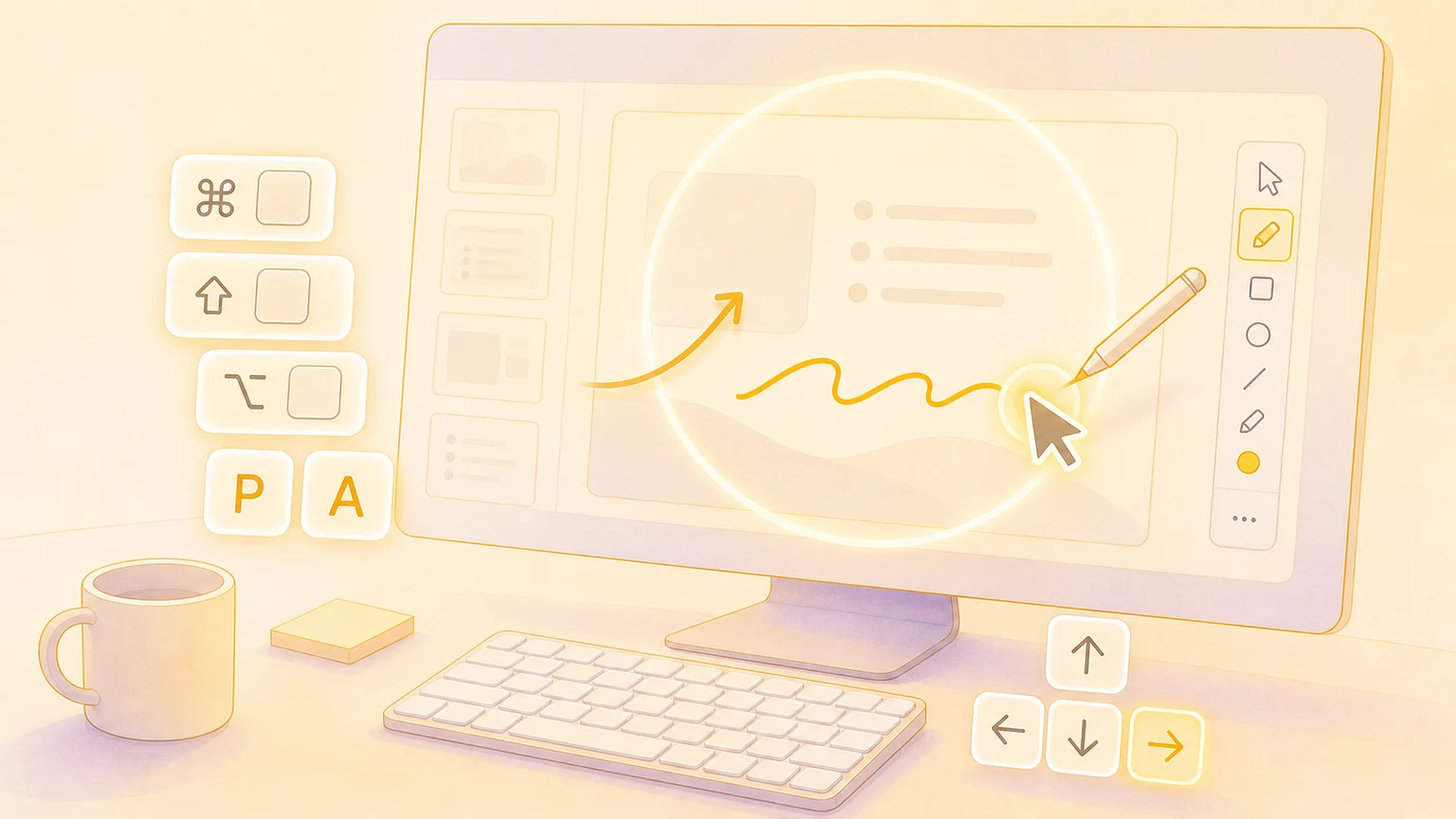
Presentify is a powerful macOS app that lets you annotate your screen, highlight your cursor, and spotlight or zoom in on key areas during presentations and tutorials. These shortcuts help you present like a pro without reaching for the mouse.
Global shortcuts
These system-wide shortcuts work from anywhere on your Mac.
| Action | Shortcut |
|---|---|
| Annotate Screen | ⌃ + A |
| Annotate Without Controls | ⌃ + ⌥ + A |
| Highlight Cursor | ⌃ + S |
| Spotlight Cursor | ⌃ + L |
| Zoom Cursor | ^ + Z |
| Show Annotate Key Shortcuts | / |
Colors
Quickly switch between your favorite annotation colors.
| Action | Shortcut |
|---|---|
| First Favorite Color | 1 |
| Second Favorite Color | 2 |
| Third Favorite Color | 3 |
| Fourth Favorite Color | 4 |
| Fifth Favorite Color | 5 |
| Random Colors | 6 |
Drawing tools
Select annotation tools instantly while the annotation screen is active.
| Action | Shortcut |
|---|---|
| Free Hand | F |
| Arrow | A |
| Rectangle | R |
| Circle | C |
| Text | T |
| Clear Annotations | ⌫ |
Controls
Toggle features and adjust settings on the fly.
| Action | Shortcut |
|---|---|
| Highlighter | H |
| Decrease Line Weight | [ |
| Increase Line Weight | ] |
| Draw with Touch | D |
| Whiteboard | W |
| Select Items (press and hold) | ⌘ |
| Undo | ⌘ + Z |
| Redo | ⇧ + ⌘ + Z |
| Interact with underlying apps (press and hold) | fn |
| Show Annotate Shortcuts | / |
Modifier keys
Hold these keys while drawing to unlock additional behaviors.
| Modifier | Effect |
|---|---|
⇧ (Shift) | Draw a straight line while using Free Hand |
⌥ (Option) | Fill Rectangles or Circles with a semi-transparent color |
⌃ (Control) | Toggle Auto-Erase behavior while drawing |
⌘ (Command) | Select and delete specific items—drag or click to select multiple |
Customize shortcuts
Open Presentify's settings and navigate to the Shortcuts tab to view and customize all global shortcuts to your liking. You can even set these shortcuts on a Stream Deck for faster access.
Show your shortcuts on screen
Creating tutorials or presenting live? KeyScreen displays your keystrokes beautifully on screen so viewers always know what you pressed—perfect when paired with Presentify for professional-looking presentations.