Apple Keynote Keyboard Shortcuts: The Complete Guide for Mac
Master Apple Keynote on macOS with a complete keyboard shortcuts guide for creating slides, editing objects, formatting text, and presenting with confidence.
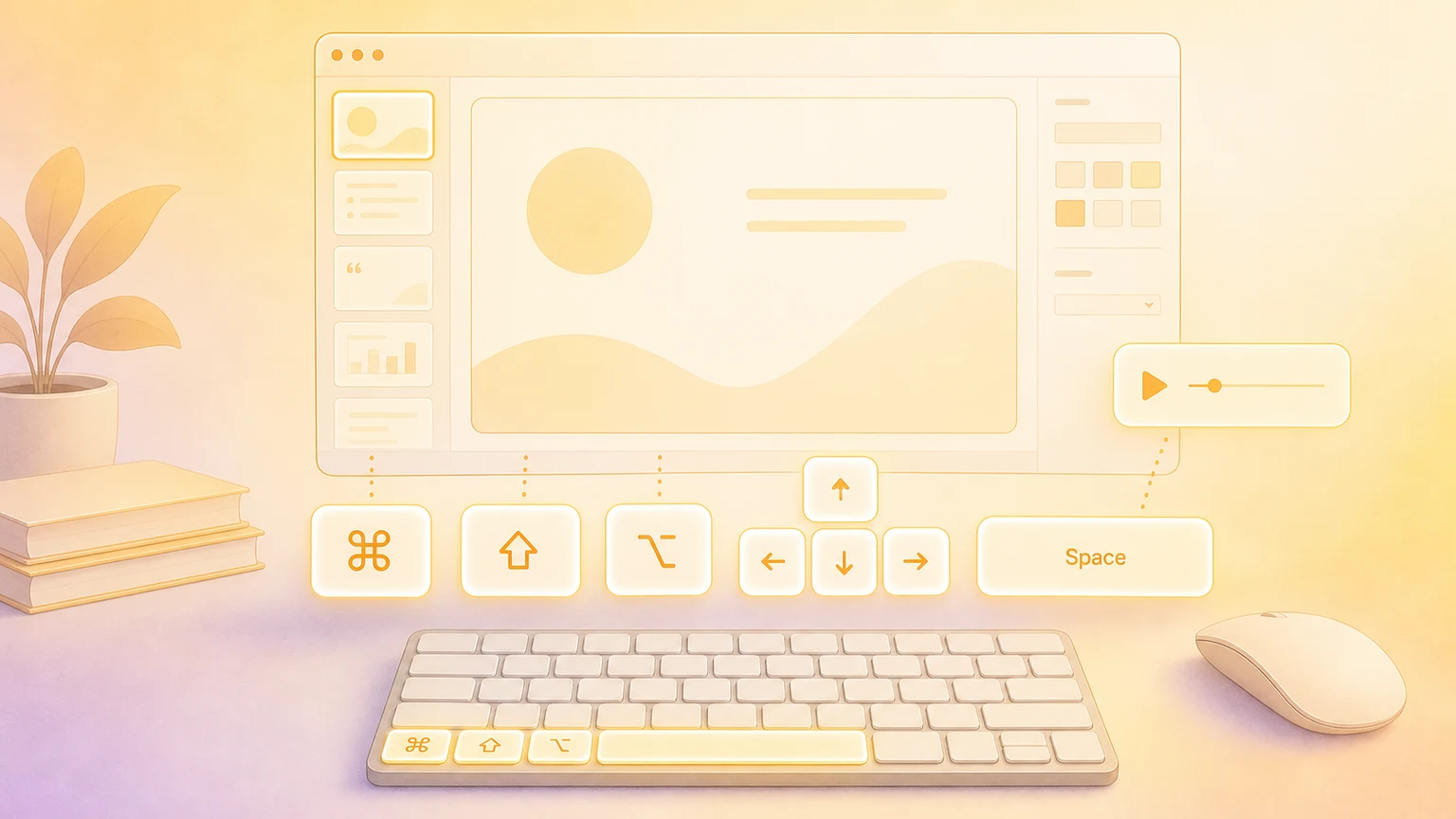
Apple Keynote is a fast, visual way to build presentations on Mac. These shortcuts help you move from outline to polished slides, then present smoothly without reaching for the mouse.
File and app essentials
Create, open, and manage presentations quickly.
| Action | Shortcut |
|---|---|
| Open theme chooser | ⌘ + N |
| Open theme chooser with language menu | ⌥ + ⌘ + N |
| Close theme chooser | Esc |
| Open presentation | ⌘ + O |
| Save | ⌘ + S |
| Save As | ⌥ + ⇧ + ⌘ + S |
| Duplicate presentation | ⇧ + ⌘ + S |
⌘ + P | |
| Close window | ⌘ + W |
| Close all windows | ⌥ + ⌘ + W |
| Minimize window | ⌘ + M |
| Minimize all windows | ⌥ + ⌘ + M |
| Preferences | ⌘ + , |
| Quit Keynote | ⌘ + Q |
| Quit and keep windows open | ⌥ + ⌘ + Q |
Slide creation and management
Add and organize slides with speed.
| Action | Shortcut |
|---|---|
| New slide | ⇧ + ⌘ + N |
| Duplicate selected slide | ⌘ + D |
| Delete selected slide | Delete |
| Move to next slide | Fn + ↓ or Page Down |
| Move to previous slide | Fn + ↑ or Page Up |
| Move to first slide | Fn + ← or Home |
| Move to last slide | Fn + → or End |
| Go to slide number | ⌃ + ⌘ + G |
Edit and clipboard
The core editing shortcuts you will use constantly.
| Action | Shortcut |
|---|---|
| Undo | ⌘ + Z |
| Redo | ⇧ + ⌘ + Z |
| Cut | ⌘ + X |
| Copy | ⌘ + C |
| Paste | ⌘ + V |
| Paste and Match Style | ⌥ + ⇧ + ⌘ + V |
Text formatting
Format text and adjust typography quickly.
| Action | Shortcut |
|---|---|
| Bold | ⌘ + B |
| Italic | ⌘ + I |
| Underline | ⌘ + U |
| Show Fonts | ⌘ + T |
| Show Colors | ⇧ + ⌘ + C |
| Increase font size | ⌘ + + |
| Decrease font size | ⌘ + - |
| Delete word to the left | ⌥ + Delete |
| Delete word to the right | ⌥ + Forward Delete |
Objects and arrangement
Select, group, and layer objects with precision.
| Action | Shortcut |
|---|---|
| Duplicate selected object or slide | ⌘ + D |
| Duplicate by dragging | ⌥ while dragging |
| Group selected objects | ⌥ + ⌘ + G |
| Ungroup selected objects | ⌥ + ⇧ + ⌘ + G |
| Lock selected objects | ⌘ + L |
| Unlock selected objects | ⌥ + ⌘ + L |
| Bring to front | ⇧ + ⌘ + F |
| Bring forward one layer | ⌥ + ⇧ + ⌘ + F |
| Send to back | ⇧ + ⌘ + B |
| Send backward one layer | ⌥ + ⇧ + ⌘ + B |
Inspectors and layout tools
Quick access to sidebars and slide layouts.
| Action | Shortcut |
|---|---|
| Show or hide inspector sidebars | ⌥ + ⌘ + I |
| Show or hide object list | ⇧ + ⌘ + L |
| Enter or exit Edit Slide Layouts | ⇧ + ⌘ + E |
| Add a new slide layout (in Edit Slide Layouts) | ⇧ + ⌘ + N |
Presentation playback
Run your slideshow like a pro.
| Action | Shortcut |
|---|---|
| Play presentation | ⌥ + ⌘ + P |
| Next slide or build | → or Space |
| Previous slide or build | ← |
| Jump to slide number | Type slide number, then Return |
| Show black screen | B |
| Show white screen | W |
| Show or hide pointer | C |
| Show slide number | S |
| Swap presenter and audience displays | X |
| Exit slideshow | Esc |
Customize shortcuts
Keynote supports system-level shortcut customization in macOS. Go to System Settings → Keyboard → Keyboard Shortcuts... → App Shortcuts, add Keynote, and assign a custom shortcut to any menu item.
Present with Presentify on top of Keynote
Want to level up live presentations? Use Presentify alongside Keynote to highlight your cursor, draw annotations, and spotlight key areas while your slides are running. It works as a lightweight overlay, so your audience can follow along without distracting from the slides.
Show your shortcuts on screen
Recording a tutorial or presenting live? KeyScreen displays your keystrokes beautifully on screen so your audience always knows what shortcuts you're using—perfect for polished Keynote walk-throughs and workshops.